
As a well-known YouTube video downloader, Y2Mate has long enjoyed a large user base thanks to its speed and free service. However, in 2026, many video downloaders like Y2Mate stopped working due to algorithm updates on streaming platforms. You might be wondering: Is Y2Mate still functional? Does it have any new features? Most importantly, is it safe to use? In this comprehensive, independent review, we present the facts and offer the safest alternatives currently available.
What Can Y2Mate Do for You?
Y2Mate is a media converter that supports downloading videos from YouTube and converting video formats. You do not need to register an account or pay to use it; simply paste the video link on the website to download.
Core Features of Y2Mate in 2026
- Multi-Format Extraction: Allows users to convert YouTube videos into MP3 (audio) or MP4 (video) formats.
- Platform Agnostic: Works across Windows, macOS, Android, and iOS since it runs directly within a web browser.
- Basic Search Functionality: Users can either paste a direct URL or type keywords into the search bar to find videos.
The following are the video qualities and formats supported by Y2Mate:
| Video Quality | Video Formats | Video Converter |
|---|---|---|
| 360p, 720p, 1080p, 4K | MP4, MP3, M4V FLV, AVI, 3GP, WEBM, WMV | YouTube to Mp3, YouTube to Mp4 |
Pros and Cons of Y2Mate
Pros
- 100% Free with no subscription fees
- No account registration required
- Fast conversion speeds for short audio files
- Works on mobile devices without apps
Cons
- Flooded with malicious pop-ups and redirects
- High risk of downloading PUPs or spyware
- Severe resolution limitations (often caps at 720p)
If you haven't used Y2Mate for a while, you will notice that the platform has undergone significant changes. Notably, there has been a marked increase in advertisements on the page, leading many users to question its safety.
Is Y2Mate Safe to Use in 2026?
The short answer is: The Y2Mate website code itself is not a virus, but the advertisements and redirects it forces upon you are highly dangerous.We have identified issues with the following two advertising methods during our testing.
1. When you click the Download or Convert button, Y2Mate typically triggers an invisible overlay script. This opens a new browser tab or window and automatically attempts to download files to your system. These files are often potential viruses or malicious browser extensions designed to track your data or hijack your search engine.
2. Y2Mate’s interface is rather cluttered, with deceptive Download Now buttons scattered everywhere. Clicking these buttons could redirect you to a series of malicious websites.
How to Use Y2Mate Safely?
If you wish to try using Y2Mate, we recommend following these guidelines to protect your device
1. Use a reliable, open-source ad blocker like uBlock Origin. Such blockers can block approximately 90% of Y2Mate's malicious scripts and pop-ups.
2. Never click the Allow button: Always deny requests from the site to send notifications, access your location, or control your camera.
3. Check file extensions: When saving a file, ensure the extension matches what you expect. Audio files should have the .mp3 extension, and video files should have .mp4. If a downloaded file has an extension like .exe, .msi, .dmg, or .apk, delete it immediately without attempting to open it, as these could be malware.
The Best Safe Y2Mate Alternatives in 2026
Due to the high risks associated with Y2Mate, we recommend using a safer alternative. We tested numerous downloaders and selected two alternatives.
1. AuViSaver
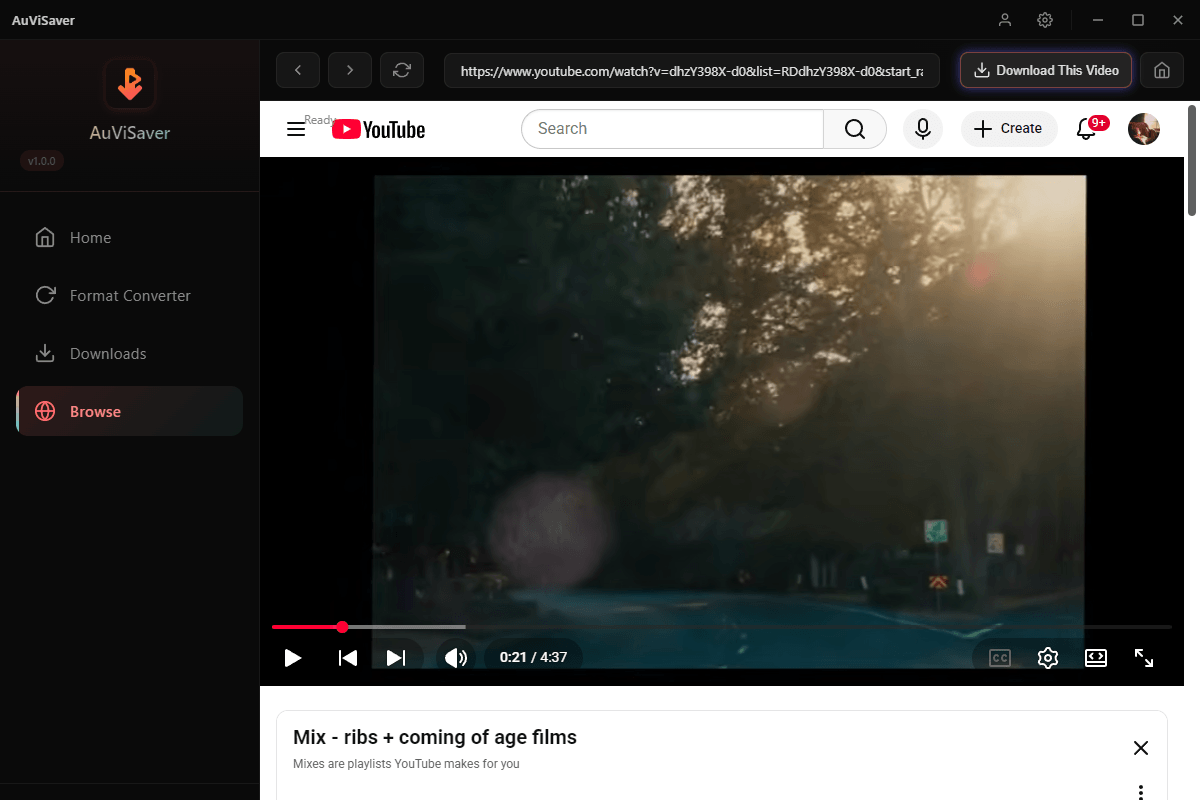
As a newly launched, multifunctional video downloader, AuViSaver is undoubtedly the best alternative to Y2Mate.
Why choose it: AuViSaver utilizes cutting-edge technology. Unlike Y2Mate, which frequently redirects users to high-risk ad networks, AuViSaver offers a clean, clutter-free interface and guarantees no intrusive or malicious pop-up ads.
2. 4K Video Downloader Plus
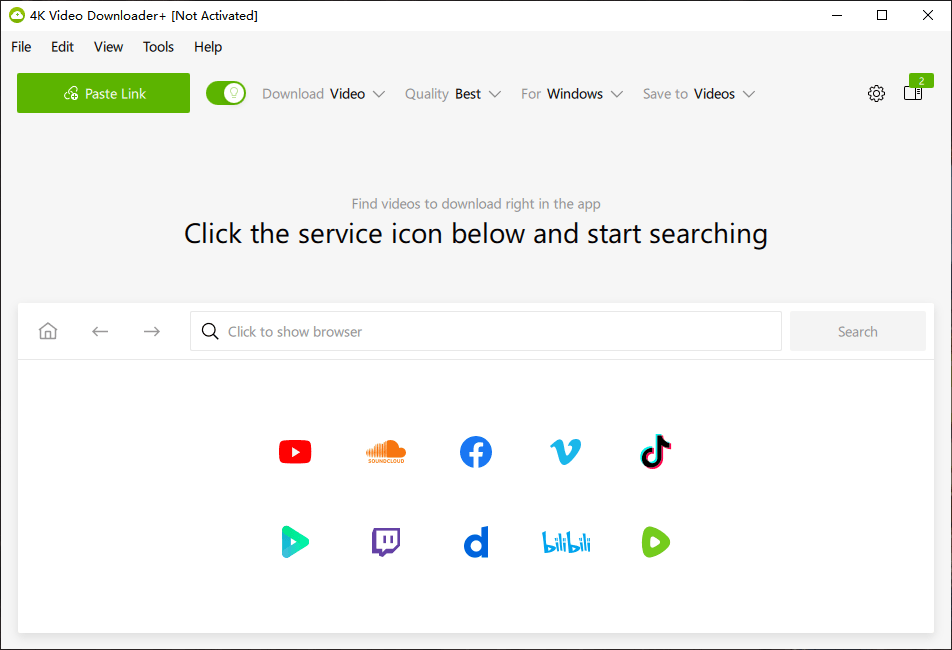
If you prefer a clean, intuitive interface, 4K Video Downloader Plus is a great desktop application. It offers a free trial version (with a daily download limit) alongside a paid premium version. Since it runs as a standalone desktop app, you don't have to worry about strange browser redirects or other ads.
Final Thoughts
While Y2Mate initially won over many users by being free to use, that convenience has since been negated by malicious ads and degraded video playback quality, effectively rendering the service's original appeal obsolete. Y2Mate may suffice for occasional, simple tasks performed on a well-protected computer; however, for a safer, smoother, and higher-quality HD experience, opting for a proven desktop application like AuViSaver is the wiser choice.
Frequently Asked Questions of Y2Mate Video Downloader
Q1: Is Y2Mate legal to use in 2026?
Using Y2Mate to download copyrighted music, movies, or TV clips violates YouTube's Terms of Service and constitutes copyright infringement in most jurisdictions. However, using it to download your own uploaded videos, creative commons content, or public domain videos is generally legal.
Q2: Why does Y2Mate keep throwing a Server Error?
When YouTube rolls out an update, Y2Mate’s developers usually take a few days to recode their scrapers, resulting in temporary server errors.
Q3: How do I stop Y2Mate notifications if I accidentally allowed them?
- In Chrome or Edge, navigate to Settings, Privacy and Security, Site Settings, Notifications
- Scroll down to the Allowed to send notifications list
- Find the Y2Mate URL, click the three dots next to it, and select Remove or Block.